Begin with one place for the event
Before sending out a link, decide where the photos will live. A shared event group keeps the professional images and contributions from family in one place. Give each function its own group if the guest lists or access rules are different; otherwise, one group is easier for everyone to remember.
Do this before the first upload. It is much easier to invite people into an existing space than to collect scattered albums after the celebration.
Invite people with a clear purpose
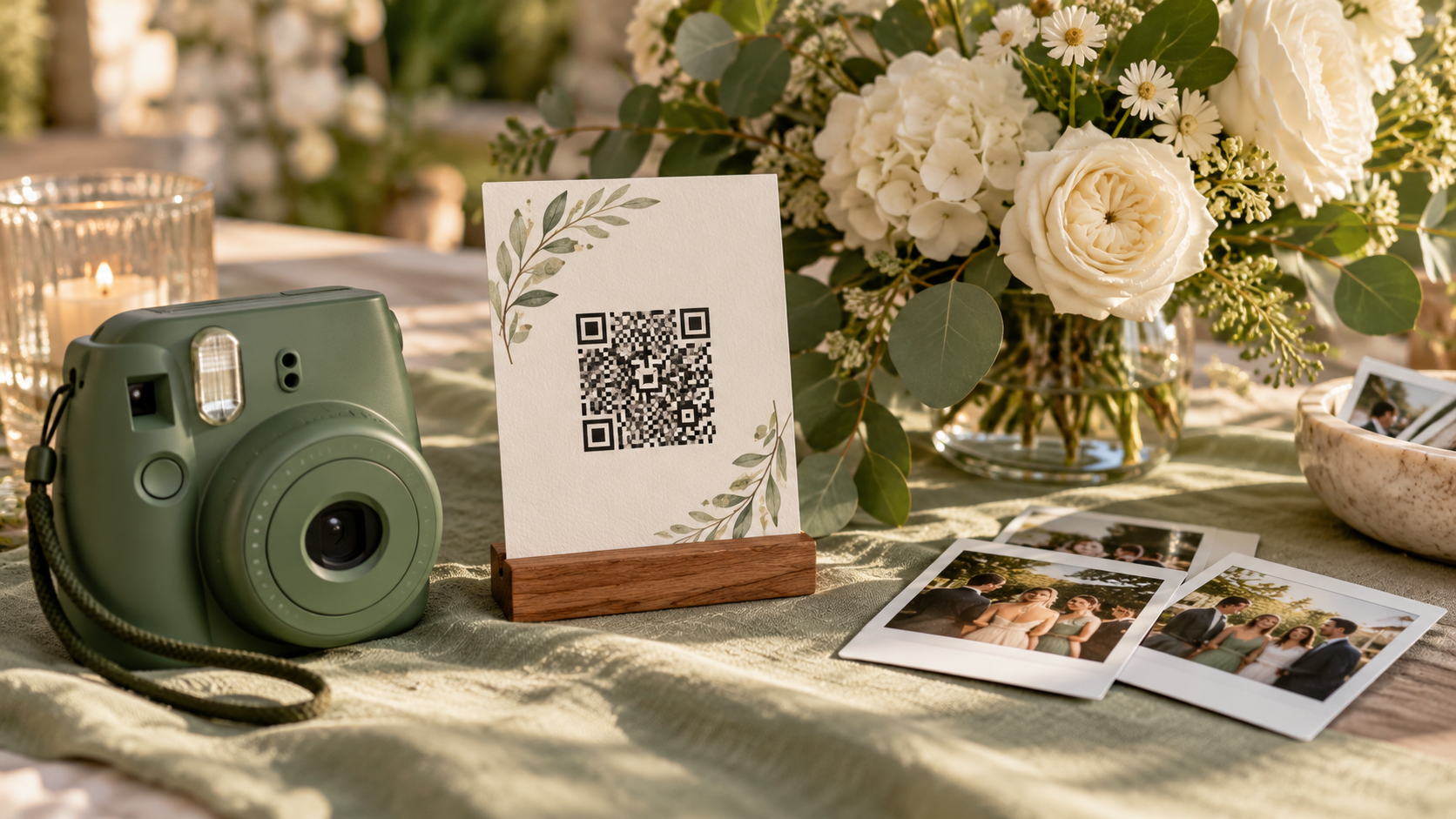
Tell guests what the link is for: viewing, contributing, or both. In FaceSort, the owner can invite members with a code, link, or QR code and give selected contributors upload access. A small sign at the venue can work well, but a direct message to close family is often more useful than hoping everyone notices a poster.
A group invite is different from a public share link. Invite people into the event when they should be members. Use a person-gallery share link when you only want to send one person's matched photos.
Make finding a photo personal
The hardest part of a large wedding gallery is not opening it. It is finding yourself in it. A guest who chooses to add their face can use My photos to see likely matches. Face matching can miss an image or include a wrong one, so look over the results before passing a personal gallery around.
Keep the full collection available to members with permission through All photos. Someone who does not want face matching can still browse the gallery according to the group's access settings.
Keep the gallery open for late arrivals
Wedding photos rarely arrive all at once. Upload the photographer's delivery when it is ready, then add relatives' and friends' images later. FaceSort processes newly uploaded images; there is no need to run the already processed collection again. One familiar destination beats a stream of replacement links.
Before wider sharing, review the gallery and decide who should have access. The best photo-sharing plan is one that is easy for guests and comfortable for the people pictured.
Choose the gallery and guest access before the wedding, then send one clear invitation. Let contributors add their best frames as they arrive. Guests can browse the collection or opt in to a personal view, and you can review matches before sharing a public gallery link.