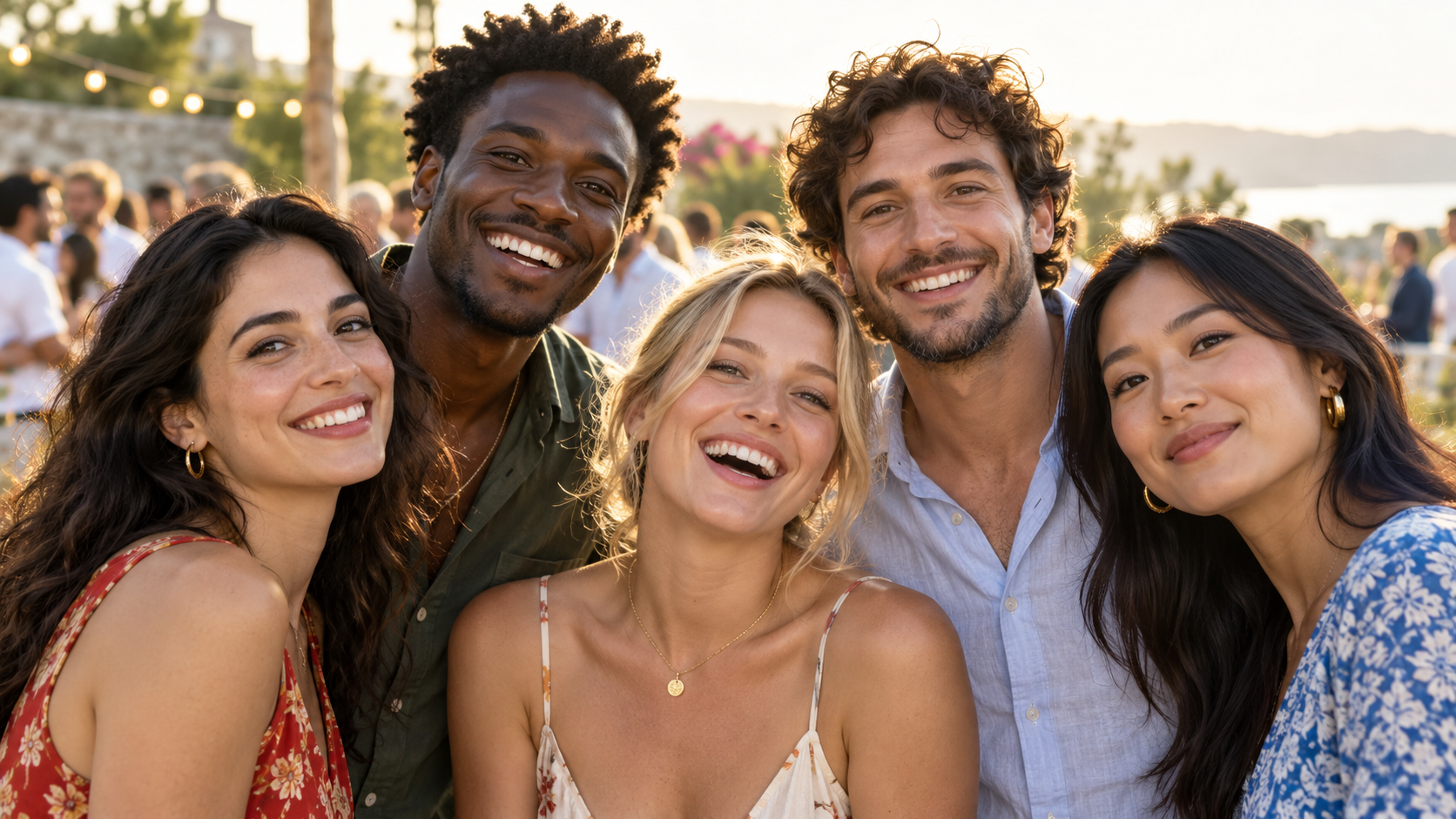
One gallery, two ways to explore
An event group can hold photos from the organiser and approved contributors. Members with the right access can browse All photos. For a more focused view, a guest can choose to add their face and open My photos. The system compares their face reference with faces found in the event's uploaded images and presents likely matches.
The guest makes that choice. Joining a group does not, by itself, require face-based discovery.
What makes a match useful
A clear face looking toward the camera is easier to recognise than a profile in dim light or a face hidden behind another person. Event lighting, motion, camera angle, and image size can all affect what appears in a personal view. Missing photos and incorrect matches are possible.
Treat My photos as a helpful route through the gallery, not a guarantee that every image has been found. If a moment seems missing, browse All photos when your group access allows it.
Review before you share
A person-gallery link is convenient for sending a set of matches to someone else. Check the images first, especially at sensitive or private events. FaceSort can create a shareable person gallery with an expiry or one that remains available until it is revoked.
For an organiser, the combination is practical: one shared collection for the event, a personal view for guests who opt in, and deliberate links for the photos they choose to pass along.
Use face search to narrow a large gallery, then verify the result with your own eyes. My photos is optional and based on an enrolled face; All photos remains the fallback for people with permission to browse the event.