Ask for contributions at the right moment
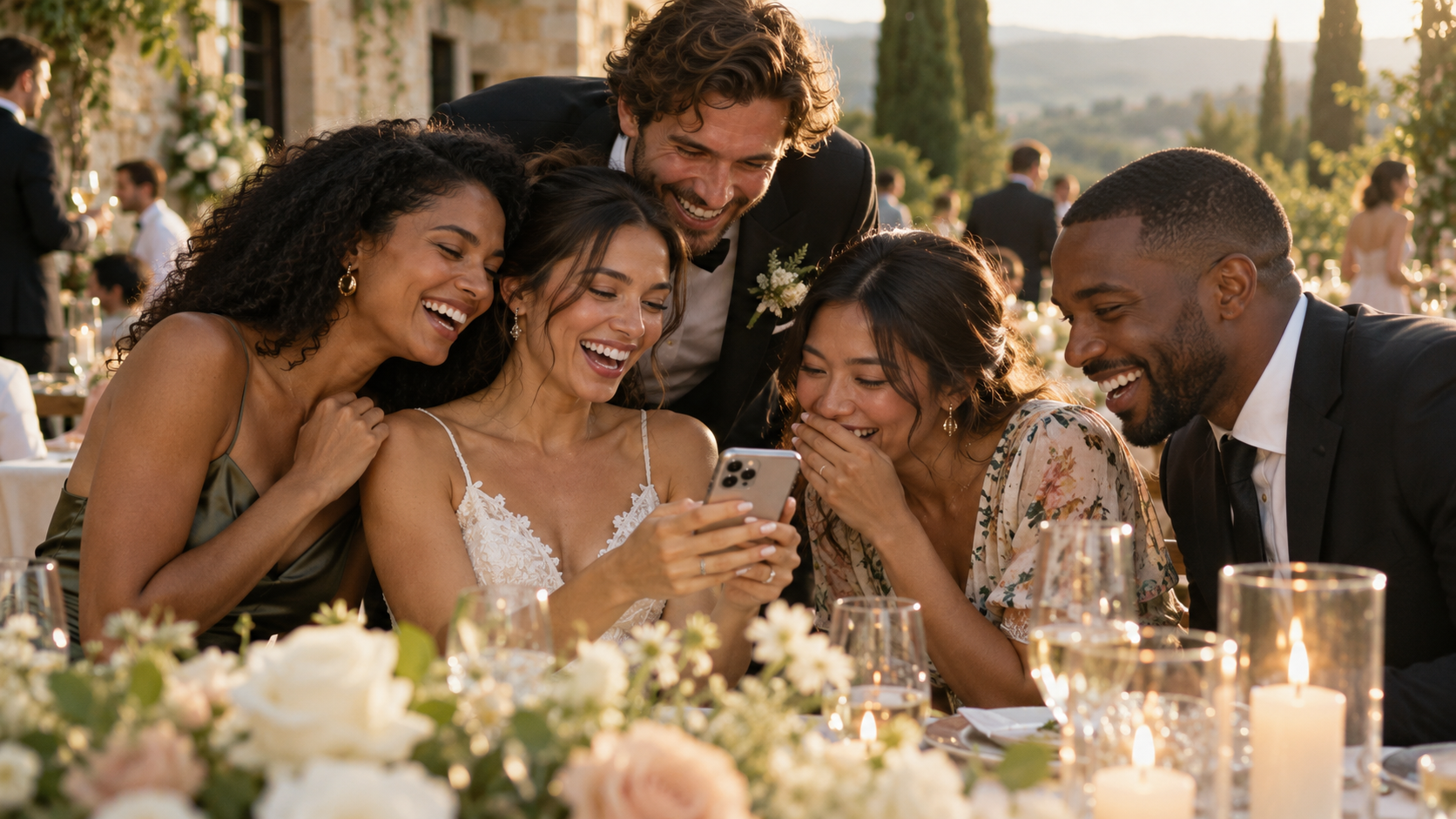
People are more likely to share a photo when the destination is clear and the request is timely. Set up the event group before the celebration. Send the invite to your closest contributors beforehand, then remind the wider group when they have a moment to look through their camera rolls.
Give upload access only to people you want contributing. Others can remain viewers or have narrower access.
Keep instructions human
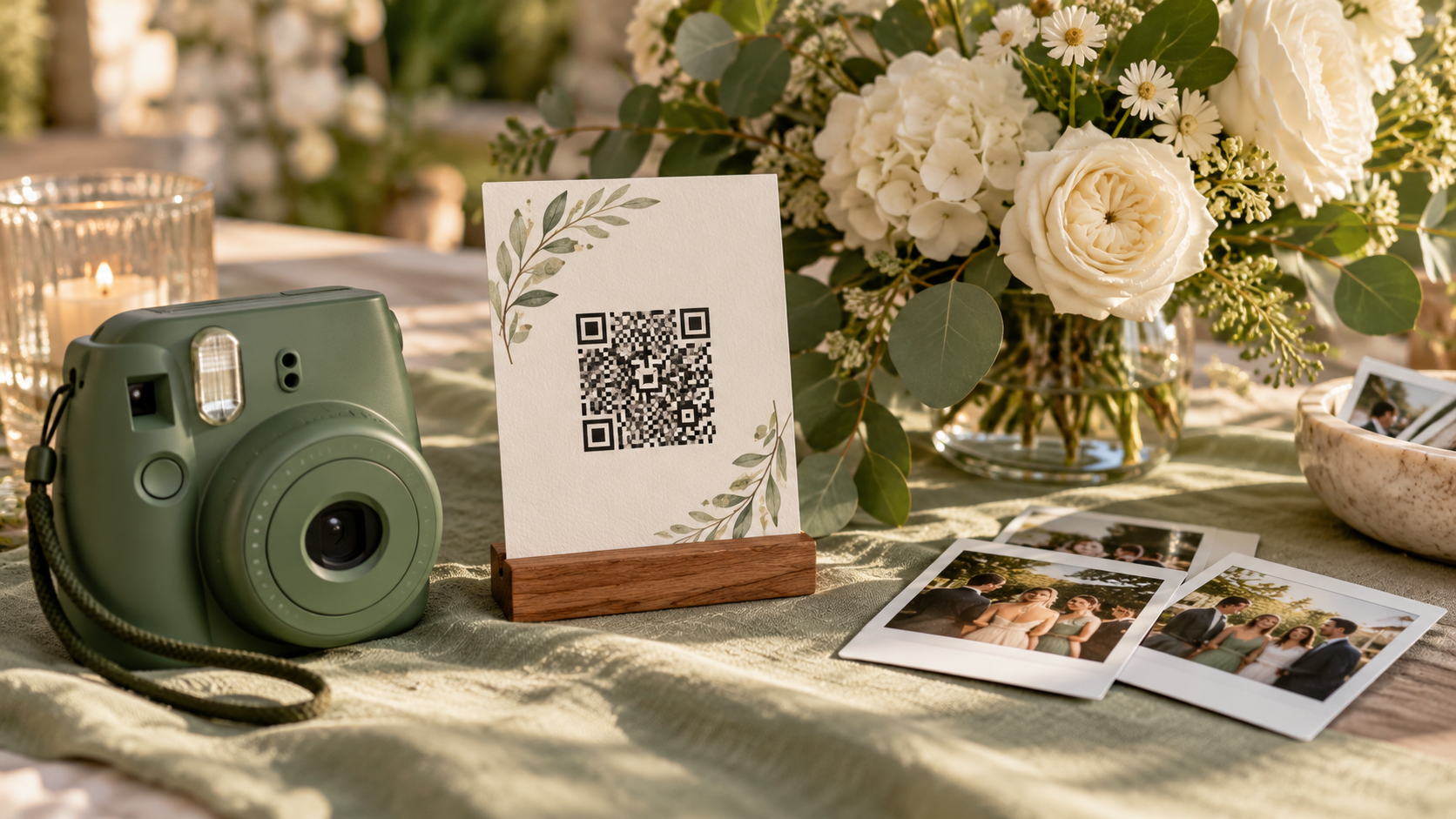
“Please add your favourite photos from tonight” is easier to act on than a long technical guide. The FaceSort owner can give contributors a link or QR code to join with upload rights. Mention that they should only add images they are comfortable sharing with the group.
If a guest cannot upload, check their role first. The problem is often permission rather than the photo itself.
Turn the collection into something discoverable
As the images arrive, FaceSort processes new uploads for faces. People who opt into face discovery can see likely matches under My photos; those with broader access can browse the full gallery.
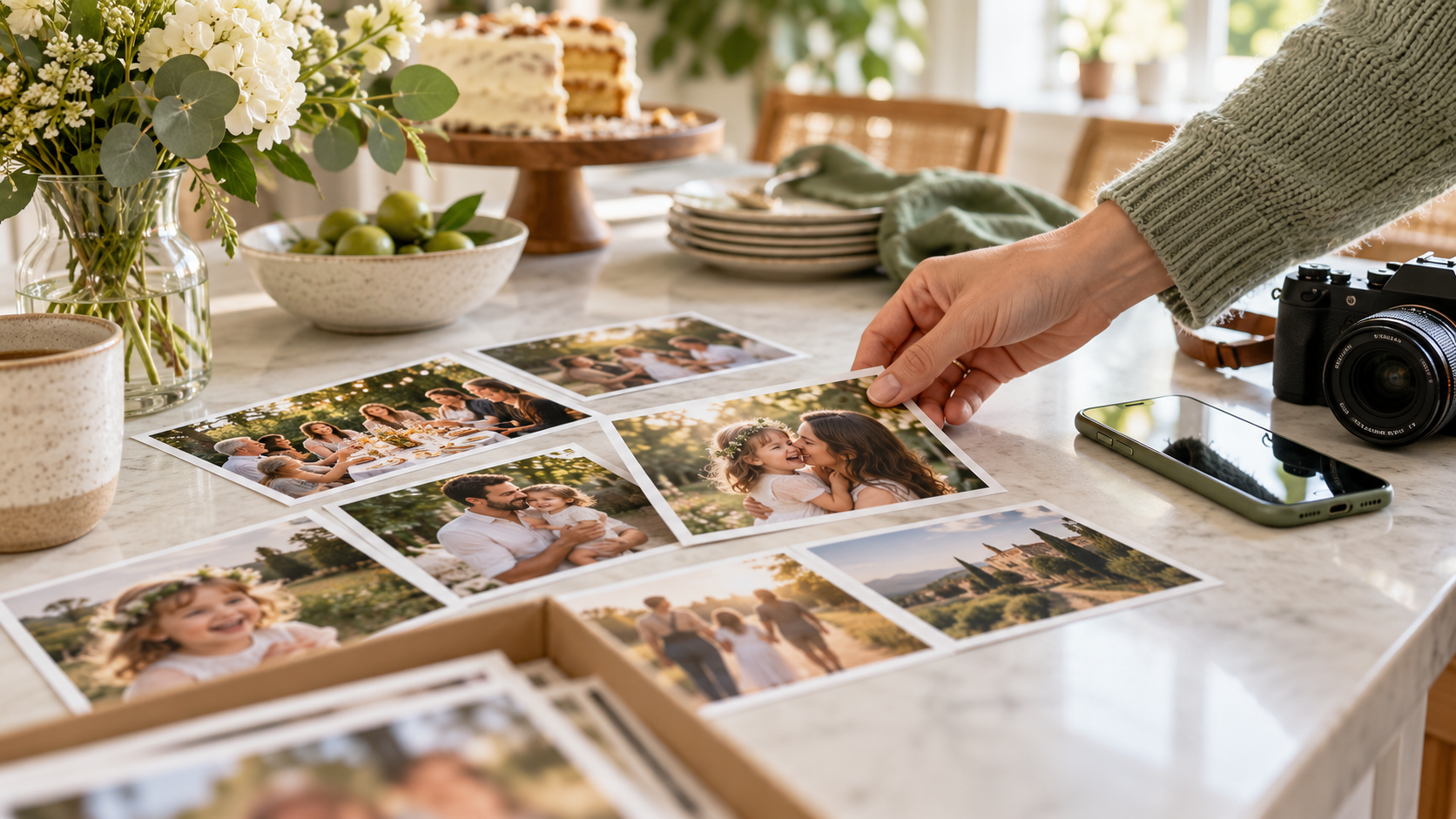
Review the collection before sending public links. The goal is not to gather the greatest number of files. It is to preserve the angles and small moments that would otherwise stay on separate phones.
Create the group before asking for uploads. Invite a manageable set of contributors with the right role, give them a simple request, and review the gathered gallery before sharing it more widely. The overlooked candid moments are often the point.