Create your group
Give the celebration a name and start uploading the photos you already have.
The candid photo on a friend’s phone can matter as much as the one from the photographer. Give your celebration one shared home, invite the people who were there, and make it easy for everyone to find their own memories.
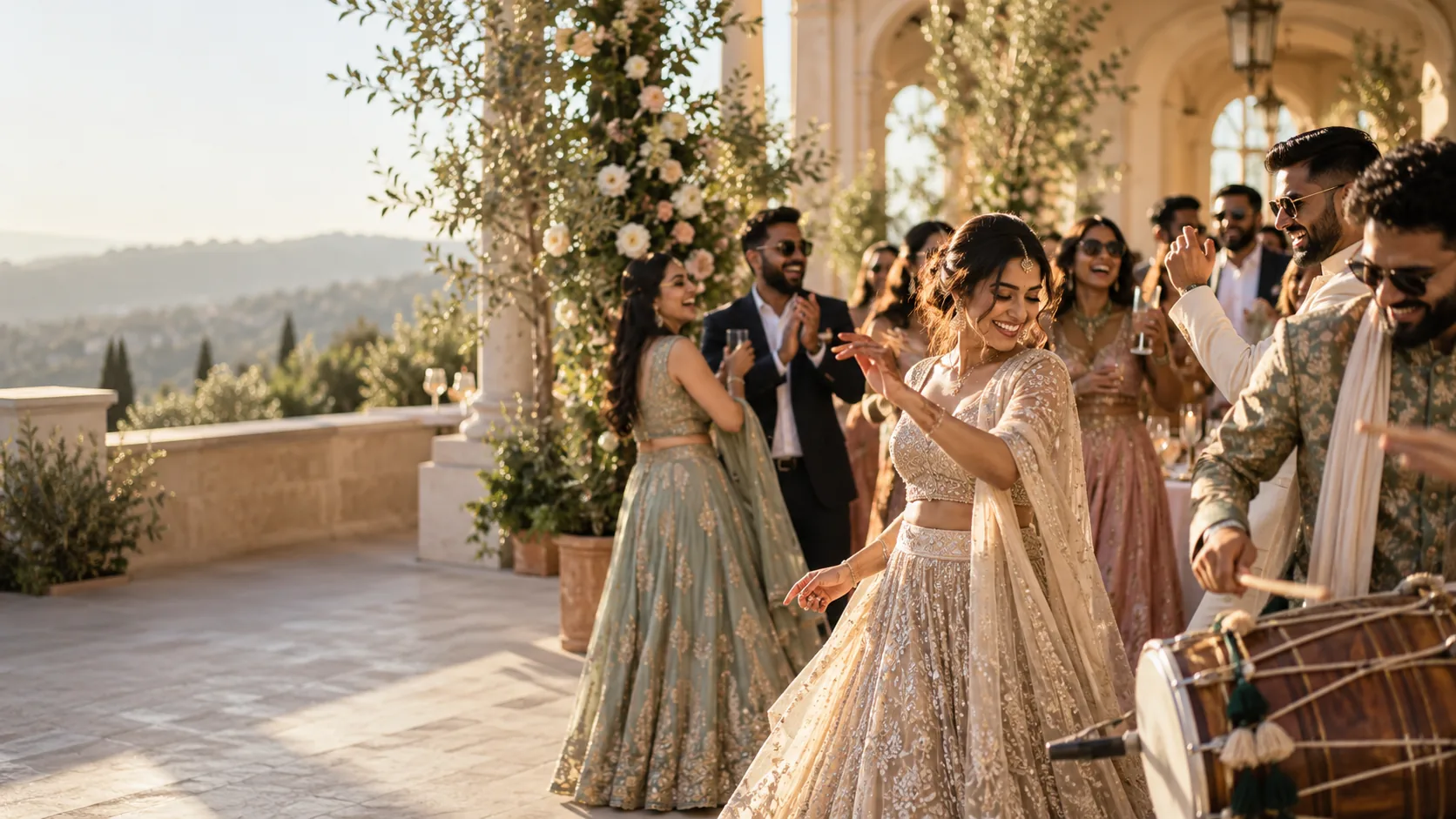
Weddings, birthdays, reunions, and trips create photos across many cameras. FaceSort lets you create a group for the occasion and invite people with a simple link, code, or QR. When you allow a guest to contribute, their photos join the same gallery instead of disappearing into separate chats. AI face matching helps consenting guests find their own moments.
Give the celebration a name and start uploading the photos you already have.
Share a join link, QR code, or six-digit code. Choose who can add photos and who can view them.
Guests can browse the group or choose to add their face and see their own matching photos together.
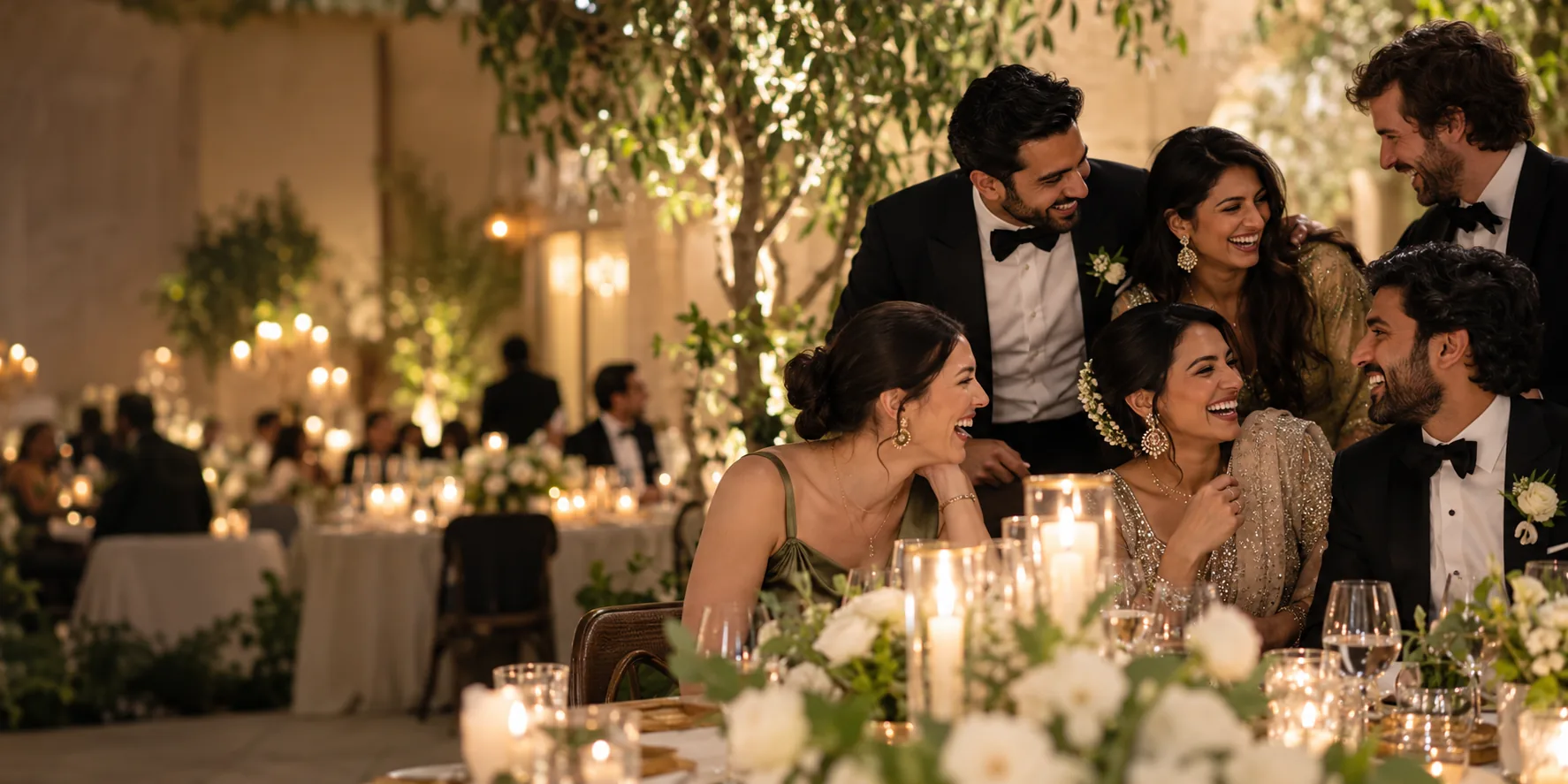
Keep adding images as friends send them after the event. FaceSort processes each new upload, so the shared collection can grow naturally. If you share a public gallery link, you can set an expiry or revoke it later.
Get startedClear answers before you bring your photos together.
Yes, when the group owner gives them uploader access. They can add their own perspective to the event group.
No. Face enrolment is optional and is only needed for a guest who wants to use My photos.
Yes. A group can hold photos from a party, reunion, trip, or any gathering you want to share.