Create the event group
Set up a dedicated space for the shoot and upload your selected photos. New uploads enter the face-processing queue.
You make the images. FaceSort helps them reach the people in the frame. Give an event one gallery, then let guests discover their own photos without asking you to sort every person by hand.

Event delivery can involve hundreds of photos and just as many people asking, “Do you have one of me?” FaceSort brings those photos into a group that clients and guests can open from an invite. AI face matching lets guests who choose to add their face see their matches under My photos, while permitted members can explore the full collection.
Set up a dedicated space for the shoot and upload your selected photos. New uploads enter the face-processing queue.
Share a group code, invite link, or QR code. Give a collaborator upload access when you want another camera’s perspective.
Guests can add their face with consent and open a personal view of the photos they appear in. You can also share galleries by link.
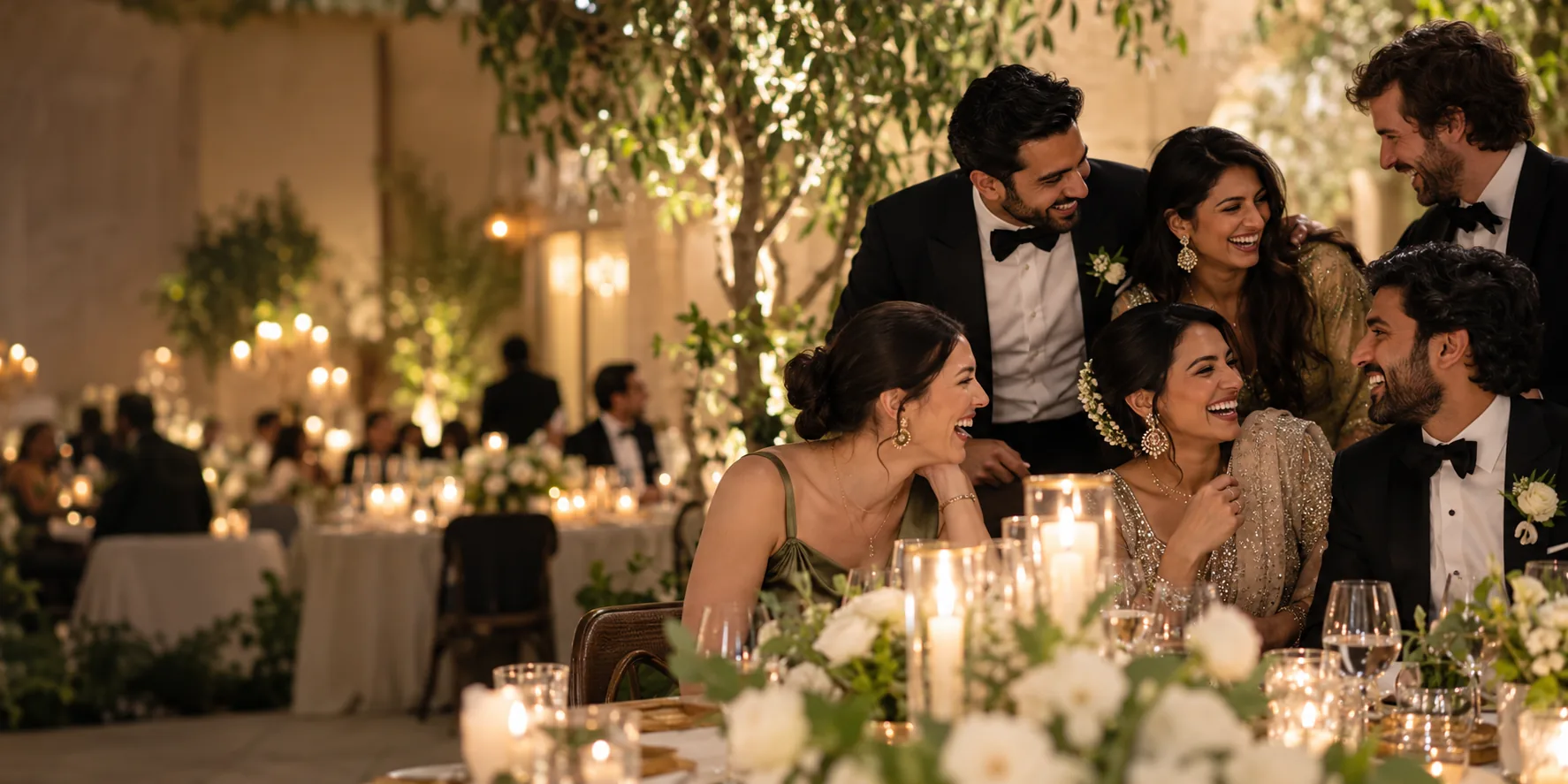
The group stays useful after delivery. Add more photos later and FaceSort processes the new uploads; the already processed collection does not need a full rerun. Owners can review people and sharing from the same workspace.
Get startedClear answers before you bring your photos together.
Yes. Newly uploaded photos enter the processing queue, so you can keep building the gallery after the initial delivery.
Yes. The group owner can invite a collaborator and give them uploader access.
No. A guest can choose to add their face once, then open My photos to see matching images in the groups they belong to.
After the event comes the part nobody loves: scrolling through hundreds of near-identical shots to find the keepers. AI Sort scores every photo for sharpness, resolution, contrast and exposure, then puts the best first and marks the standouts with a Best Shot badge.
 ★ Best Shot · #1 · 94#2 · 88
 #3 · 81#4 · 63
 #5 ·
44
#5 ·
44 #6 ·
21
#6 ·
21AI Culling measures technical quality (focus, size, contrast and exposure). It doesn’t judge expressions or composition, so you keep the final say. Included with Photographer plans and available as an add-on for any plan.